★ 5.0 on Google · No long contracts · You own every asset
Rathly

Security company website design

Families give an alarm company their door codes, so they read its website closely first. Our security company website design shows your license, products and real crews, and turns visitors into booked consultations or a system demo.

  • ✓Custom design, never a dealer template
  • ✓License number on every page
  • ✓A product page for every system you sell
  • ✓Fast pages that feel as solid as your systems
PriceFrom $7,000
Your agency isn't delivering? Talk to us.STEP 1 OF 2
No contract. Cloudflare Turnstile blocks spam.

Websites for these security systems

  • Alarm systems
  • Security cameras
  • Access control
  • Smart home
  • Monitoring plans
  • Commercial security
What buyers check

What visitors check on a security website

Potential customers about to share alarm codes with a stranger read every page and its sections with care. Six questions decide whether your security website design earns the call.

Are you licensed here?

Your alarm license number sits in clear view on every page, right where careful buyers expect to find it.

Which systems do you install?

Product pages for alarms, cameras, smart locks and access control show the brands you support and their features.

What does monitoring cost?

Monthly fees, contract length and warranty in clear words, the terms the FTC says belong in writing.

Is my town on your map?

Visitors find their town in your list of service areas, with images of recent installs and your response times.

Who comes to my house?

Real images and names of your technicians help visitors tell your crew from a door-to-door impostor.

Can I run it from my phone?

A short demo video of your app shows visitors how to arm the security system and view cameras.

Examples

What the best security company websites share

A strong security website starts with a few basic rules. Each of these design elements helps visitors find what they need and trust what they see.

  1. 01

    A clear hero with one offer

    The first screen should show what you install, where you work and one clear next step, like a free site survey.

  2. 02

    Trust elements up front

    A highlight strip near the top carries your license, insurance, reviews and any certifications, so trust builds before visitors scroll.

  3. 03

    Product sections with icons

    Each security system gets a short section with icons, key features, benefits and a demo clip. Visitors compare products without opening ten pages.

  4. 04

    Calls to action that drive leads

    Every page ends with a clear way for potential customers to request a quote. Forms ask visitors only what your sales team needs to support the first call.

  5. 05

    A short demo video

    Film a one-minute clip of the app arming the security system and a doorbell camera answering. Buyers then see how it works before the site survey.

  6. 06

    Colors that signal protection

    Security websites often lean on blues, navy and dark grays, colors visitors link with protection. We pair your brand colors with light text backgrounds and dark ones behind camera clips.

Portfolio

An in-home service site and its first results

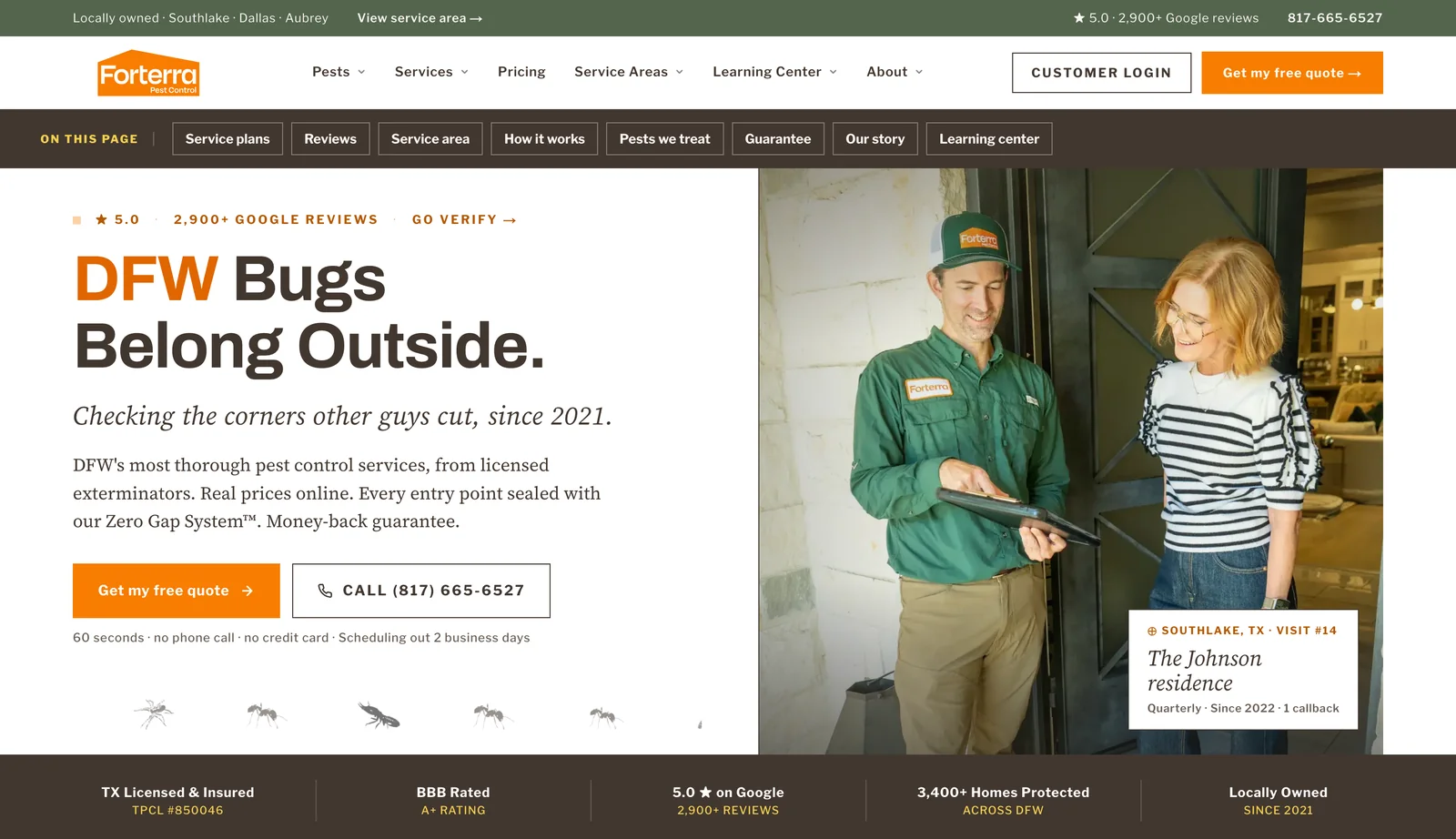
Forterra Pest Control, like a security installer, sends technicians into family homes. We built its new site from scratch and matched its business listings to it.

Forterra Pest Control homepage that Rathly designed and built for Dallas-Fort Worth

Forterra Pest Control, Dallas-Fort Worth

New website · Home service · Texas
Same month as launch

91 listings live

Directory listings across 42 sites matched the new pages.Read the case study →
What's included

Inside every security company site we build

Six core features of our web design for security companies come standard, whether you run one office or cover several counties.

01

Product pages

Alarms, cameras, video doorbells, smart locks and access control, each product with its features, images and icons.

02

Monitoring explained

What security monitoring covers, how alarm events reach the center, what it costs and how a customer cancels.

03

Forms that drive quote requests

Site survey and quote requests drop into your CRM or Smarfle, tagged with the page that sent each lead.

04

An editor your office can use

Your office updates packages, prices and service areas in a simple editor without calling developers.

05

Secure and fast on mobile

HTTPS everywhere, Core Web Vitals in the green on phones, and schema that helps search engines and AI tools read each system page.

06

License in every footer

We highlight your license number and service areas in the footer of every page, ready for any ad to point at.

Process

From kickoff to a live home security site

Expect a project of roughly four weeks once all your content, images, brand colors and icons arrive. Your team approves each step before we move on.

  1. 01Week 1

    Systems and licenses

    We list your security products, monitoring plans, licenses, service areas and the software your office runs today.You get a sitemap of must-have pages
  2. 02Weeks 1 to 2

    Page plan and copy

    We write product, monitoring and city pages. Your team checks every product claim and contract term.You get copy for every page
  3. 03Week 2

    Design and colors

    We start by creating the home page plus a single product page, using your colors, icons and install images.You get the final design
  4. 04Week 3

    Working preview

    We code all sections, forms and CRM connections on a hidden test site for your managers to try.You get a preview link
  5. 05Week 4

    Go live

    Old URLs redirect, we place test calls and test leads, and then the new site opens to the public.You get a live site
  6. 06Today

    Book a call

    Tell us which systems you want to sell more of, from cameras to access control. We scope the project on that call.Get a quote →
Platforms

Platforms we build security websites on

We choose the platform by how your team works, which tools it uses, how often images change and whether you have developers.

FrameworksWhat the site runs on
  • AstroFast product pages with very little JavaScript.
  • Next.jsA platform for portals where users view plans and invoices.
  • NuxtA Vue-based option for teams that already use Vue.
  • SvelteKitLight tools like a camera count estimator.
CMSWhere your office edits
  • KeystaticPackage and pricing edits with a full change log.
  • SanityProduct and brand data reused across many pages.
  • StrapiOpen-source content you can host on your own servers.
  • PayloadMonitoring plans, service areas and support tickets in one app.
  • WordPressA familiar platform many office teams already know.
Every platform ships with schema, speed work and call tracking. You own the code and hosting, so developers you hire later can take over.
Speed

How fast a security site loads after a scare

People shop for security right after a break-in nearby, often late at night on a phone. A security company site that loads at once feels as reliable as the system you sell.

Security sites slow down under camera demo videos and live chat. We load product videos on tap, keep photos light and put the lead form first, so results reach your CRM fast.

How website speed affects SEO →

How we keep a site fast

  • No plugin stack. Astro or Next.js, so each page loads only its own code.
  • Light images. Photos in WebP, smaller than JPEG at the same quality.
  • Fonts from your domain. No outside font service holding up the first screen.
  • Tested on phones. Checked on real phones and in PageSpeed Insights, before and after launch.
Buyers and rules

Homeowners and businesses need different pages

A homeowner weighs safety and other benefits against a monthly price. A property manager needs access control for many staff. Your site should show both kinds of visitors the right product.

Want installs from search?Our home security SEO, from $3,500 monthly, puts your company in search results for alarm and camera searches.Home security SEO
  1. 01

    For homeowners

    Security packages side by side
    Sensors, cameras, features and benefits in one table.
    What happens after an alarm
    Who calls whom, and how fast help comes.
    Installs nearby
    Images that demonstrate work in the towns you cover.
  2. 02

    For business buyers

    Access control options
    Keycards, PIN codes and phone credentials your system can support.
    Managing users
    Creating and removing staff users, plus reading entry logs.
    Many sites, one vendor
    Cameras, alarms and access protection across every location.
  3. 03

    Your license, the Florida way

    Florida law requires a contractor's license number in ads. Alarm contractors may leave it off many ads when the ad directs buyers to a website that shows it.

  4. 04

    Contract terms and the three-day rule

    The FTC urges buyers to get the install price, monthly fee, term and warranty in writing. Clear pages on each term build trust with visitors early. Its Cooling-Off Rule also lets buyers cancel many in-home sales within three business days.

  5. 05

    Service areas that match your license

    Florida's certified contractors can work anywhere in the state. Registered contractors work only where they hold a local license, so your service areas page should reflect that.

Pricing

One written price for your security site

We send one clear, fixed price in writing after we review your products, service areas and integrations.

Home security website design

From $7,000one-time

Best for Home security, camera and access control companies that want more consultations from their own site.

  • ✓Custom design and an easy editor
  • ✓Product, monitoring and city pages
  • ✓License shown on every page
  • ✓your CRM or Smarfle connected
  • ✓Tracking that ties results to pages
  • ✓Code, domain and accounts in your name
Get a quote →
What changes the price
  1. 01Number of product and city pages
  2. 02Monitoring and package tables
  3. 03Access control and business sections
  4. 04Old pages we need to move
Get a fixed quote →
We quote secure hosting and ongoing support together with the build, and both stay optional.
★★★★★
“Rathly built our new website and made the whole process easy. They listened to what we needed, made a custom design and delivered everything on time. I’m really happy with the result.”
VBVladimir B.
Orlando · Google review · Nov 2025
★★★★★
“Ihor is a highly skilled individual when it comes to website development. He built a new website for us. Delievered on time. And was very responsive. I recommend him for your project.”
DDrparkernyc
Orlando · Google review · Nov 2025
★★★★★
“Highly professional and efficient marketing agency. Their team knows what they’re doing when it comes to website speed optimization.”
NKNataliia K.
Orlando · Google review · Mar 2025
Compare

Rathly vs a typical web design agency

Where a website project with us differs from the usual build.

TopicA typical web design agencyRathly

Ownership

The agency keeps the code or hostingYou own the code, the design and the domain.

Project lead

Often a designer, with tracking left outIhor Lavrenenko, certified in Google Analytics and Google's Privacy for Agencies and Partners.

Platform

A page builder theme with pluginsCustom design with a CMS your staff can edit.

Launch

Months of rounds before go-liveLocal sites launch about a month after we get your content.

Rankings

Old URLs lost on launch dayA full redirect map keeps the rankings you have.

Leads

A form that sends one emailCalls and forms flow into Smarfle or your own CRM.
Offices

Meet your marketing team at one of four offices

Visit by appointment, or work with the same team by phone and video from anywhere in the US.

FL

Orlando office

Since Feb 2025
Internet marketing service in Orlando, Florida
Rathly · 111 N Orange Ave, Orlando, FL 32801
Downtown Orlando, a short walk from Lake Eola Park. Visits by appointment.Hours Mon to Fri, 10 AM to 5 PM. Closed on US federal holidays.(321) 732-8258Serving Orlando, Winter Park, Kissimmee, Lake Nona, Sanford and Central FloridaSEO in Orlando · Web design in Orlando · PPC in Orlando
Orlando office page →
NY

New York office

Since Sep 2026
Internet marketing service in New York
Rathly · 1177 6th Ave, New York, NY 10036
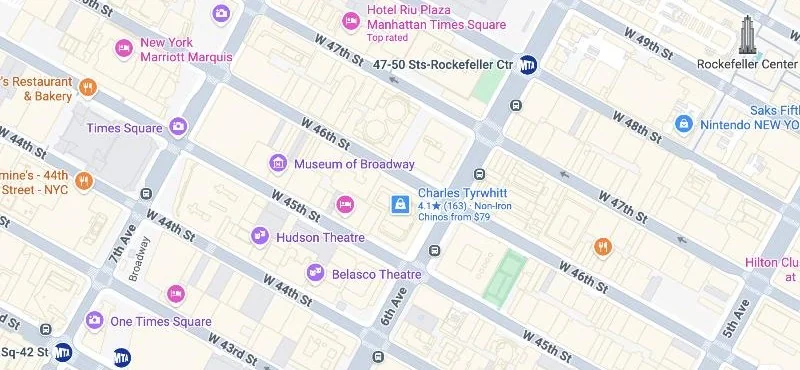
Midtown Manhattan, two blocks from Times Square. Visits by appointment.Hours Mon to Fri, 10 AM to 5 PM. Closed on US federal holidays.(347) 918-2146Serving Manhattan, Brooklyn, Queens, Long Island and the tri-state areaSEO in New York · Web design in New York · PPC in New York
New York office page →
TX

Dallas office

Since Oct 2026
Internet marketing service in Dallas, Texas
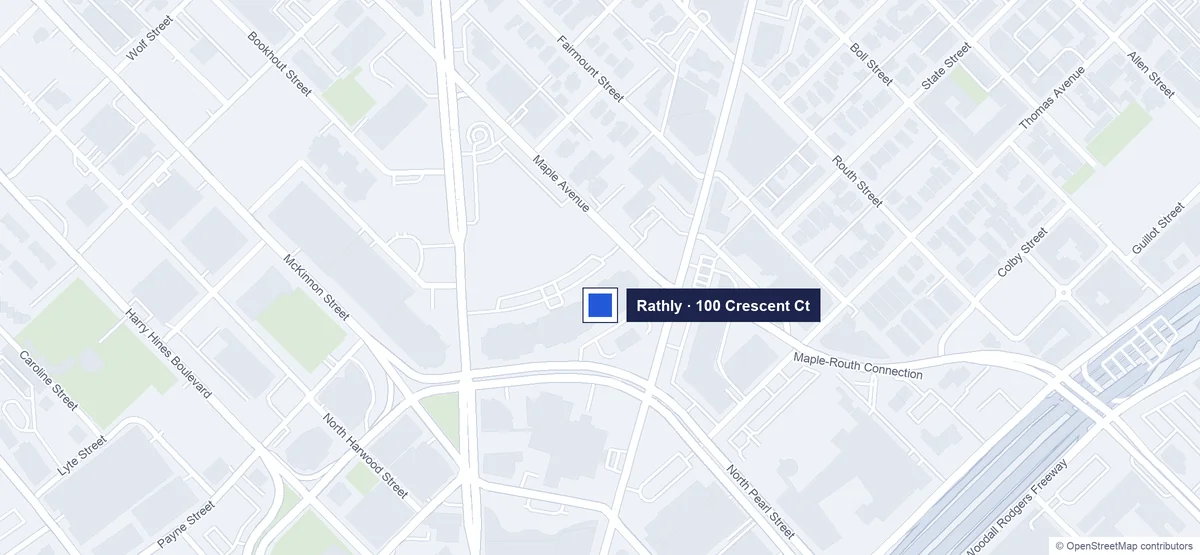
Rathly · 100 Crescent Ct, Dallas, TX 75201
Uptown Dallas, inside The Crescent, a short walk from Klyde Warren Park. Visits by appointment.Hours Mon to Fri, 10 AM to 5 PM. Closed on US federal holidays.(469) 933-1140Serving Dallas, Fort Worth, Plano, Irving, Frisco and North TexasSEO in Dallas · Web design in Dallas · PPC in Dallas
Dallas office page →
CA

San Francisco office

Since Oct 2026
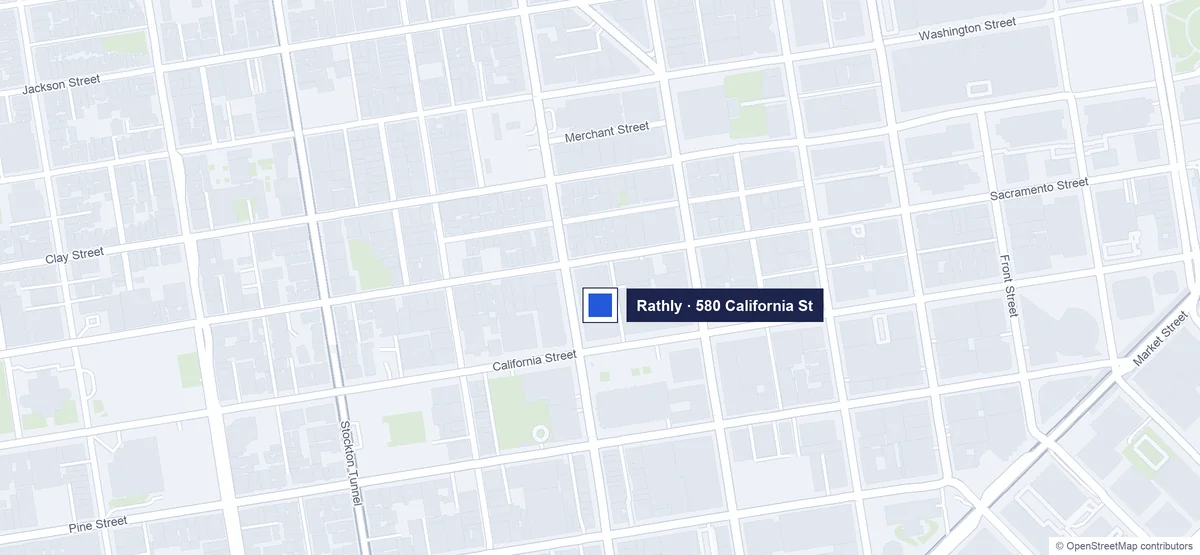
Rathly · 580 California St, San Francisco, CA 94104
The Financial District, on California Street at Kearny. Visits by appointment.Hours Mon to Fri, 10 AM to 5 PM. Closed on US federal holidays.(628) 348-4074Serving San Francisco, Oakland, Berkeley, Daly City, San Mateo and the Bay AreaSEO in San Francisco · Web design in San Francisco · PPC in San Francisco
San Francisco office page →
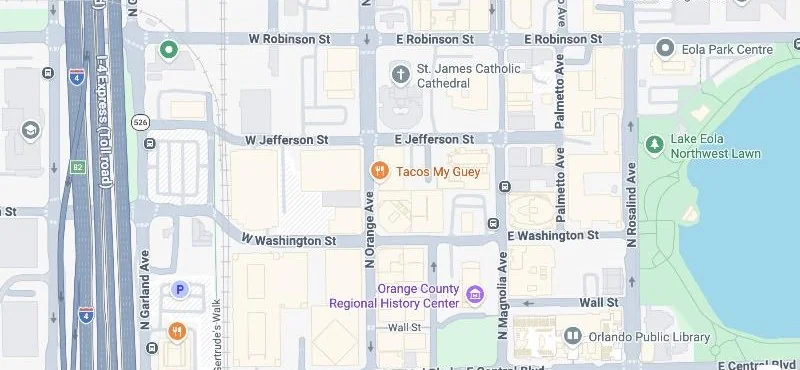
Map of the Rathly Orlando office at 111 N Orange Ave
Google Business Profile · FLRathly · Orlando111 N Orange Ave, Orlando, FL 32801★ 5.0 · 10 reviews · Open in Google Maps ↗
© OpenStreetMap contributors
Real answers

Security company website questions

Cost

How much does a security company website cost?

Pricing begins at $7,000 for a custom build, with one payment. Your product pages, package tables and any portal set the final quote.
License

Do alarm companies need their license number on their website?

In Florida, alarm ads can skip the number only when they direct buyers to a website that shows it. So your site must show it.
Pages

What pages does a home security website need?

The must-have pages are one per product, one for monitoring, a city page per service area, a business page and a contact page.Read the full answer →
Leads

Can customers book a free site survey online?

Yes, if you offer one. A short form asks about the property and the systems wanted, then sends the lead to your CRM or Smarfle.
Portal

Can a security company website include a customer portal?

Yes. Through a secure login, customers view plans, pay invoices and update emergency contacts, if your monitoring software can support it.
Platform

Which platform should a security company choose?

The right platform depends on who edits the site. Astro with Keystatic suits most installers, and WordPress suits teams that already know it.
Switching

Can we move our site from another agency?

Yes. We move your pages from the old agency, keep or redirect old URLs, and put the domain, code and accounts in your name.
Editing

Can our office add a new package or product page?

Yes. We build each package or product page on the same platform layout, with fields for equipment, prices and monitoring terms. Your office publishes them without us.
Timing

How long does security company website design take?

Roughly one month from the day we receive all content and logins. That matches most local business sites we launch.Read the full answer →

Get a quote for your security company website

  • ✓ A fixed price in writing
  • ✓ Your domain and code, always
  • ✓ Live in about a month
  • ✓ A reply the same or next day
Get a quoteSTEP 1 OF 2
What do you need?
No contract. Cloudflare Turnstile blocks spam.
Call usTalk to us →