
Each of your locations competes in its own map results. A strong office in Tampa does nothing for searches in Orlando. So local SEO for several locations means doing the local work once per location, while the brand stays the same everywhere.
This guide covers the full multi-location local SEO strategy. That means profiles, location pages, listings, links, reviews and tracking for each location, plus how we set up our own two offices.
One Business Profile per location
Google's rules for businesses with several locations are short and strict. The first three below are Google's rules, and the fourth is our practice.
- One profile per location, never two for the same address.
- The same name at every location, with no city or store code added.
- A local phone number that reaches that location directly.
- A website link to the page for that location, which beats sending everyone to the homepage.
Departments that work as separate businesses, such as a clinic's urgent care, can have their own profile with a different name.
At 10 or more locations of the same business, you can verify profiles in bulk with a spreadsheet. Service-area businesses can't use bulk verification, and duplicate or suspended profiles don't count toward the 10.
With many locations, keep the listings in a business group in Business Profile Manager. Google's bulk import lets you update hours or phone numbers for every location from one spreadsheet. Give each office manager access to their own listing only, not the whole group. Our Google Business Profile management handles one location or many, and every profile stays in your own account.
Service-area businesses with several bases
Trades that drive to customers follow different rules. A service-area business gets one profile for the area it covers. Google asks that each area stay within about two hours of driving from the base.
So a pest control company with yards in Orlando and Tampa can have two listings, one per real base. It can't add profiles for towns it only drives to. Those towns belong on your website instead, as service area pages backed by real jobs.
One location page per office
Each profile links to its own page on your site. That page is the strongest local signal you control, and it's where most location pages fail. Swapping the city name on a template gives Google and readers nothing new.
| What to include | Why it matters |
|---|---|
| Address, local phone and hours | Matches the profile character for character |
| A map and directions from local landmarks | Helps visitors and confirms the location |
| Photos of the office and the team there | Shows a real place with real people |
| Areas served from this location | Tells Google which towns this office covers |
| Reviews from customers of this office | Proof that fits the reader's own area |
| Local business schema for this office | Gives search engines the address and map link |
Give each location page its own schema block with that office's name, address and coordinates. Link each one to a single organization record for the brand.
- BrandOne name, one website and one organization schema record.
- LocationsA Google listing, local phone, location page and review link per office.
- Service areasArea pages for the towns each office covers, with real jobs.
How we set up our first two offices
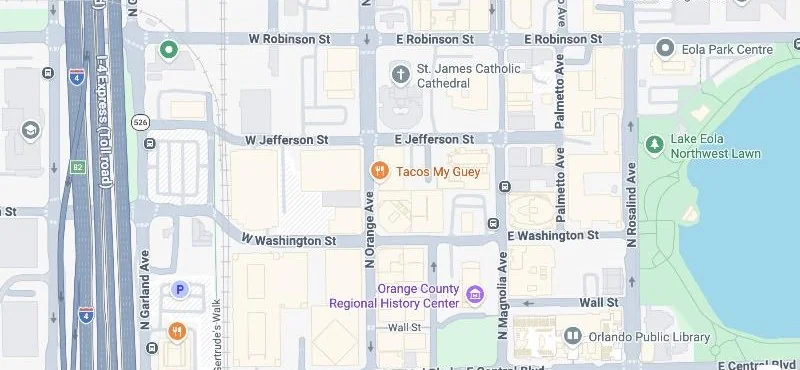
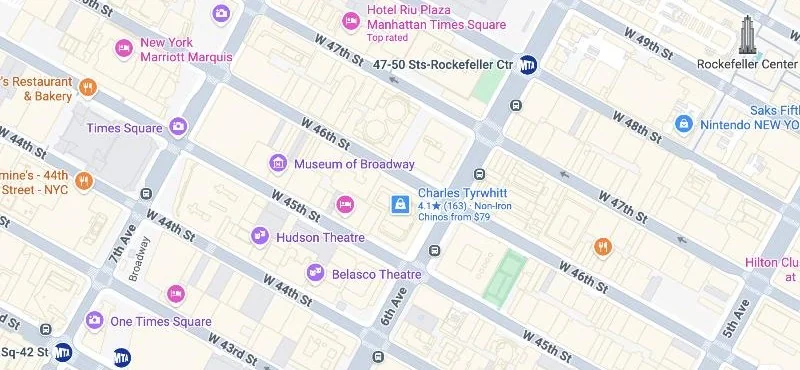
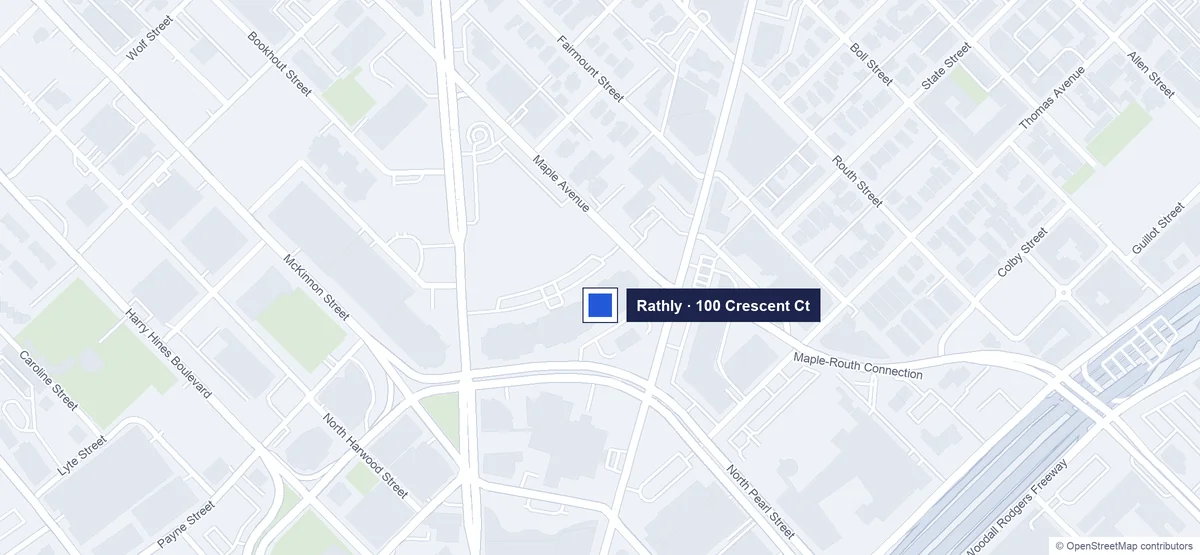
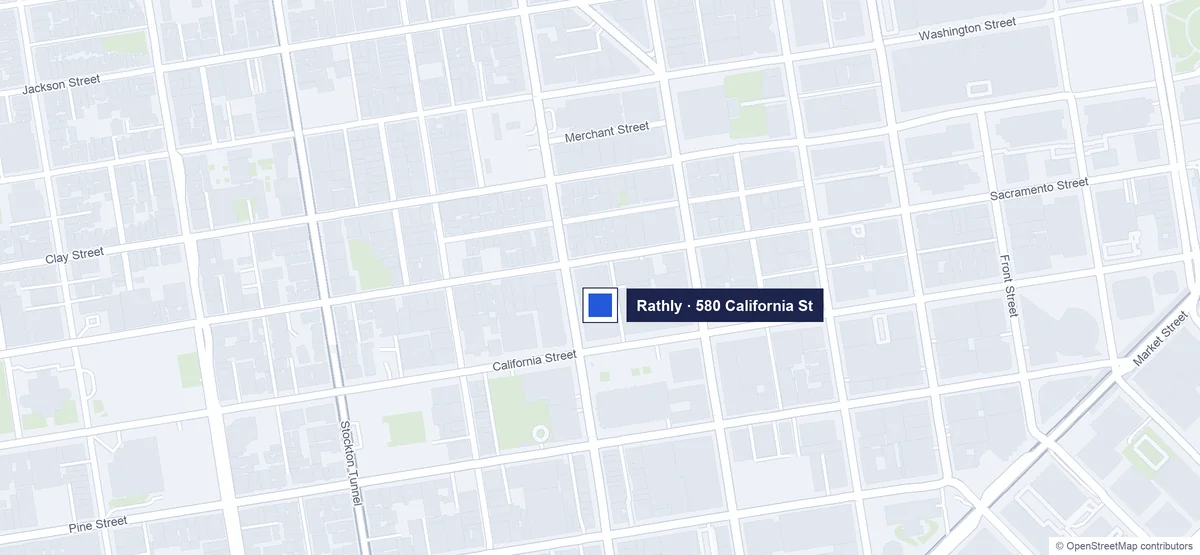
We practice this on our own business. Rathly now has four offices. Our first two, in Orlando and New York, each have their own phone line, location page and city pages.
| Part of the setup | Orlando | New York |
|---|---|---|
| Phone | A local Orlando number | A local New York number |
| Location page | /locations/orlando/ | /locations/new-york/ |
| City service pages | SEO, web design and PPC in Orlando | SEO, web design and PPC in New York |
| Areas listed | Orlando, Winter Park, Kissimmee, Lake Nona, Sanford | Manhattan, Brooklyn, Queens, Long Island |
Both pages carry their own schema with the office address, map coordinates, Google Maps link and areas served. Both point to one organization record for Rathly. You can test the schema on our Orlando office page with Google's Rich Results Test.
Listings and links for each location
Each location needs the same name, address and phone on every listing, not only on Google, so it shows consistent details online. Inconsistent listings confuse customers and weaken local search rankings for the office that has them. In local link building, point each city's links at that city's office page, such as a Tampa chamber listing to the Tampa page.
- Main listings. Claim Apple Maps, Bing Places, Yelp, Facebook and the BBB for each office.
- Trade directories. Add each location to the directories for your field, such as Healthgrades or Avvo.
- Listing tools. Past five or six offices, a listing management tool keeps every directory consistent.
- Local links. Earn links to each location page from that city's chamber, sponsors and suppliers.
Keyword research works per location too. Check each city's searches in Keyword Planner, since the same service can draw very different demand in Orlando and Tampa.
Keep reviews with the right location
Reviews stay with the profile they're left on, and Google doesn't move them between profiles. A review on your Orlando profile won't help your Tampa office rank. The one exception is a merge, when Google combines duplicate profiles for the same location and their reviews with them.
- Make a review link for each profile instead of one brand link.
- Send each customer the link for the office that served them.
- Reply from the profile where the review appears, signed by that office.
- Compare review counts across all your locations at the end of each month.
A location that falls behind on reviews usually falls behind in maps too.
Track every location on its own
Combined numbers hide the location that needs help. Split your tracking from the start.
- Business Profile performance for each profile, every month.
- UTM tags on each profile's website link, named by location.
- Search Console filters for each location page and its city pages.
- Separate call tracking numbers on each location page of your site.
Mistakes that hold multi-location businesses back
- Identical location pages with only the city name changed.
- One central phone number on every listing instead of local lines.
- Profiles for virtual offices in cities with no real staff or base.
- Every profile linking to the homepage instead of its own page.
For each new location, our local SEO services build its listings and page and add it to the weekly map grids.
Common questions about multi-location SEO
Can one Google Business Profile cover several locations?
No. Google allows one profile per location, so each office or storefront needs its own profile.
Do I need a separate website for each location?
No. One website with a page for each location works better, since every page builds the same domain.
How do I rank in a city where I have no office?
Build a service area page with real jobs, photos and reviews from that city. A Google listing there needs a real base.