
You can't change how far a searcher stands from your office. You can change the other two things Google's local ranking looks at. Those are how well you match the search and how well known you are.
This checklist turns that into 35 checks. Run them in order with your Business Profile and website open in two tabs. Mark each one pass or fail, then fix the fails starting from the top.
Google Business Profile, checks 1 to 8
Map results start with your profile, so it gets the most checks. Sign in at business.google.com before you begin. If you only need the profile handled, Google Business Profile management covers it without the rest of local SEO.
| Check | How to fix it |
|---|---|
| Request ownership from the profile page, then remove users you don't know |
| Remove city names, services and slogans added to the business name |
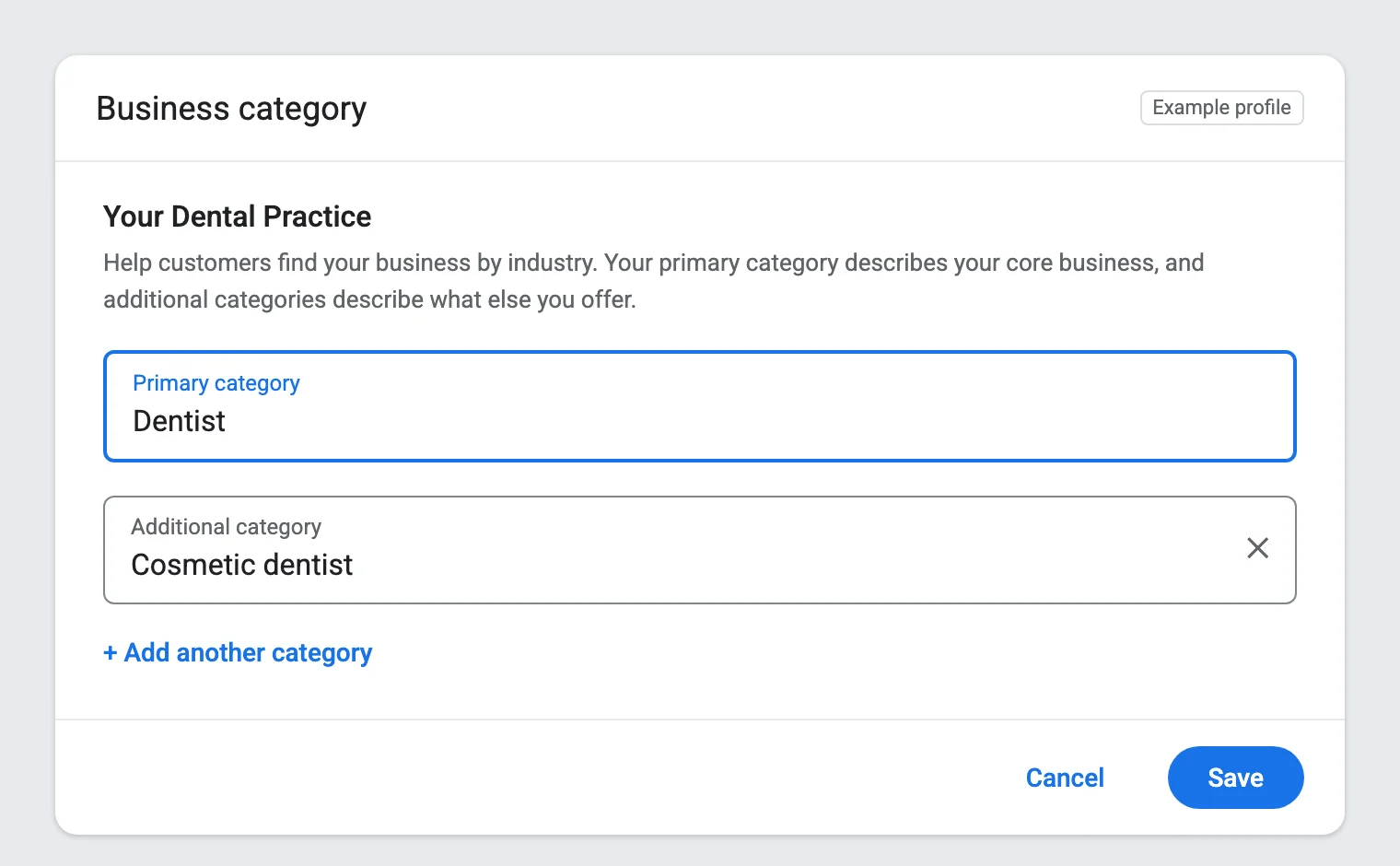
| Pick the closest category, then add a few others for main services |
| Hide the address if customers never visit, and list up to 20 areas |
| Add special hours before each holiday so nobody calls a closed office |
| Add each service in customers' words, and describe who you serve and where, with no links or prices |
| Add new photos every month, taken on your own jobs |
| Link the homepage or the matching location page, with UTM tags added |
Google asks service-area businesses to keep the area within about two hours of driving from their base.
Your website, checks 9 to 16
Your site tells Google what you do and where. Check these on your phone as well as your computer.
| Check | How to fix it |
|---|---|
| Split a single services page into one page per service |
| Rewrite titles like "Roof Repair in Tampa" instead of "Home" |
| Copy them from your profile character for character |
| Write local details for each, not the same page with a new town name |
| Add name and address at least, then test it in the Rich Results Test |
| Wrap it in a tel link so one tap starts the call |
| Test in PageSpeed Insights and fix slow images or heavy scripts first |
| Check the Pages report in Search Console and fix any errors listed |
For check 15, a good score means Largest Contentful Paint within 2.5 seconds and layout shift of 0.1 or less. For a deeper pass on the site itself, our SEO audit runs 85+ technical, page, profile and link checks.
Keywords and links, checks 17 to 21
Pages rank for the words you choose and climb with the links you earn. These five checks cover both.
| Check | How to fix it |
|---|---|
| Check monthly searches in Keyword Planner, starting with service plus city |
| Put it in the title, H1 and first paragraph, and give close variants to subheadings |
| Ask suppliers, trade groups and the chamber of commerce for a listing with a link |
| Sponsor a team or event, or offer a seasonal tip to a local reporter |
| Drop any service that sells links, since Google treats them as spam |
A few local links from real organizations beat hundreds of cheap ones.
Other listings, checks 22 to 26
Customers find you on more than Google. Wrong details on any of these sites cost calls.
| Check | How to fix it |
|---|---|
| Sign up at business.apple.com and verify your location |
| Import your details from Google Business Profile to save time |
| Update the name, address, phone and hours on each one |
| Claim Avvo for law, Healthgrades for doctors or the top site in your field |
| Search your phone number and old addresses, then merge or remove copies |
Reviews, checks 27 to 31
Reviews feed how well known Google thinks you are, and they decide many calls on their own.
| Check | How to fix it |
|---|---|
| Ask every happy customer within a day of the job |
| Reply to each one, good or bad, within a few days |
| Add it to your invoice text, follow-up email and job receipt |
| Stop any discount, gift or filter tied to reviews |
| Flag them in your profile and keep notes for an appeal |
Tracking, checks 32 to 35
Without tracking, you can't tell which fixes brought calls. These four take the least time and save the most guessing.
| Check | How to fix it |
|---|---|
| Note calls, direction requests and website clicks each month |
| Mark form sends and phone taps as key events |
| Verify it and read the Performance report each month |
| Search from several towns you serve, since results change by location |
Score your results
Count your passes out of 35.
- 30 to 35 passes. Your base is solid, so keep reviews, pages and links growing.
- 21 to 29 passes. Fix the profile and website gaps first, then keywords and listings.
- Under 21 passes. Start with checks 1 to 8, since map results start there.
Run the checklist again every three months. Profiles drift as staff change hours, add photos or accept suggested edits from Google. With more than one office, run the profile and listing checks for each location.
Our local SEO services work through all 35 checks and fix what fails, from listings to pages.
Common questions about local SEO checklists
How often should I run a local SEO check?
Every three months, and after any move, new phone number or new service.
What is the most important local SEO factor?
Local search experts polled by Whitespark in 2026 ranked the primary Business Profile category first for map results. Reviews, distance and your website's service pages follow close behind.
Can I do local SEO myself?
Yes. Most of these 35 checks need no tools beyond your profile, your website, Keyword Planner and Search Console.